Mar 25, 2026
5 min
I Built a Design System Skill for Claude Code
A practical look at what becomes possible when your design system isn't just documentation: it's knowledge your AI IDE actually knows.
The Problem With Design System Documentation
Every design system has the same problem. You spend weeks building the component library. You write the documentation. You create the Figma files, the Storybook, the Notion page with all the naming conventions and token guidelines. And then, slowly, the documentation drifts. Engineers don’t read it. New team members reinvent the wheel. Components get built with hardcoded values because no one remembers that --pd-color-surface exists.
The documentation is correct. It just doesn’t live where the work happens.
This is the problem I was trying to solve when I built Parada DS, a React + SCSS design system and decided to encode it as a Claude Code skill.
What Is a Claude Code Skill?
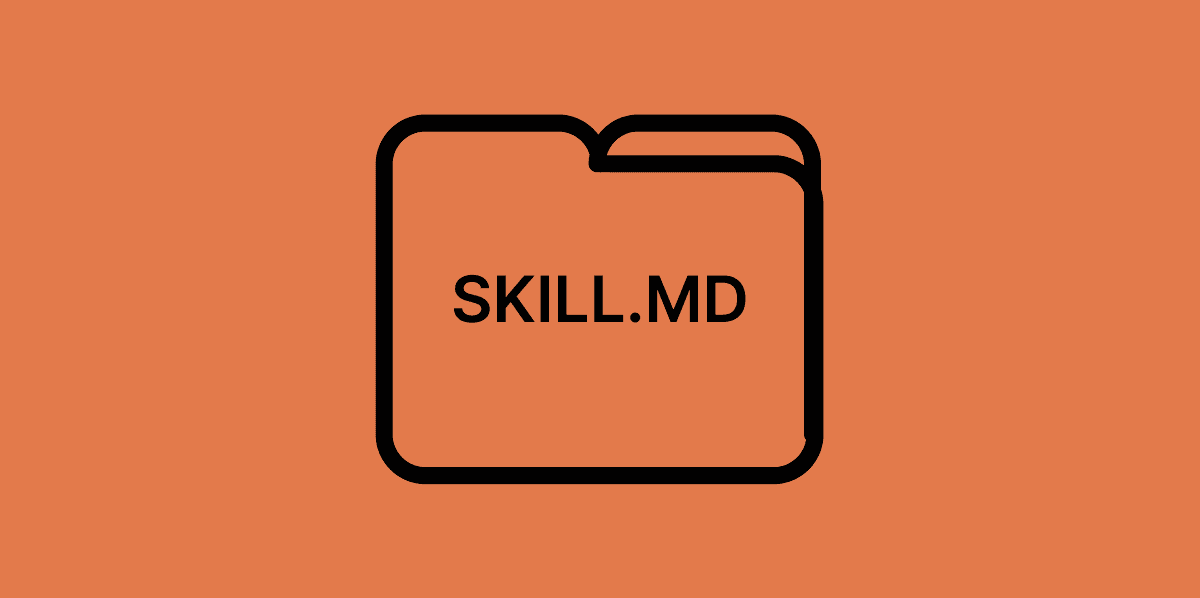
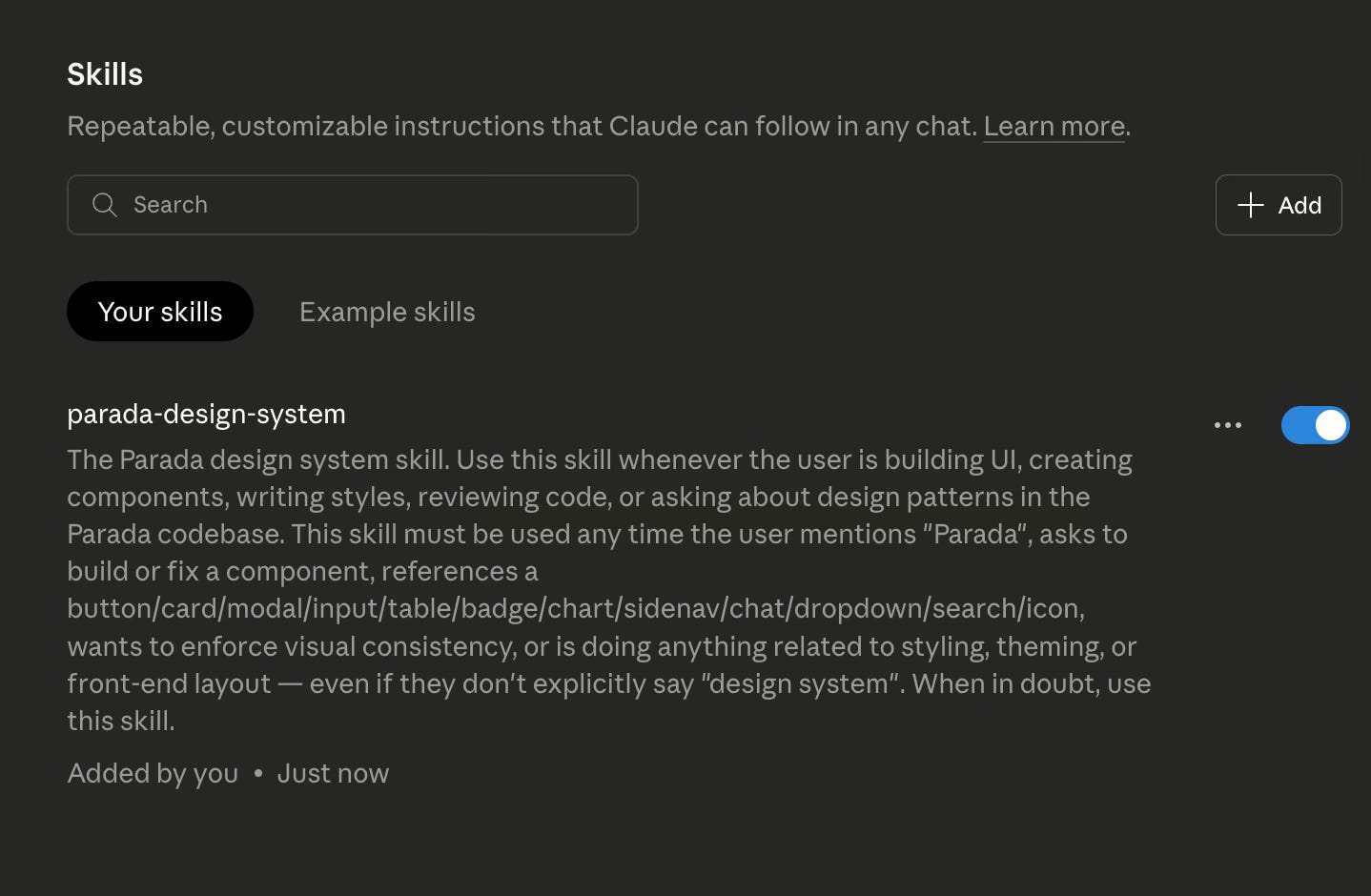
A Claude Code skill is a structured folder of markdown files that teaches Claude how to work within your specific context. Think of it as a briefing document that Claude reads before doing any work in your project.
The skill I built for creating a Design System, called the Parada Design System skill, lives inside .claude/skills/parada-skill/ in the project. It contains:
SKILL.md — The main entry point: core principles, code patterns, what to do and what never to do
references/tokens.md — Every CSS custom property: colors, spacing, typography, shadows, motion, breakpoints
references/components.md — Specs for all 13 components including props, variants, accessibility rules, and SCSS patterns
references/conventions.md — Naming conventions, BEM structure, the code review checklist
references/dark-theme.md — The full dark mode implementation: token overrides, the useTheme hook, the ThemeToggle component, edge cases per component
When Claude Code detects a relevant task: building a component, writing styles, reviewing code, implementing dark mode, it reads the appropriate reference file and works within those constraints. Not because I told it to in each prompt. Because the skill tells it to.
The biggest advantage? The skill is always there, it’s not forgotten, and it doesn’t have to be re-explained every session.
What I Can Now Do, That I Couldn’t Before
“Build me a primary Button with a loading state”
Before the skill: Claude generates a reasonable-looking button. Generic class names. Hardcoded colors. No ARIA attributes. No SCSS tokens. I spend ten minutes cleaning it up to match the system.
After the skill: Claude builds a Button that’s fully wired into Parada DS from the start with correct naming, brand colors pulled from the design system so a single change updates every button in the app, and accessibility built-in so screen readers always know what’s happening, even during a loading state. I paste it into the project and it’s done.
“Review this component: does it follow our conventions?”
Before the skill: Claude can give generic feedback about React best practices. It has no idea what our conventions are.
After the skill: Claude checks the actual Parada DS checklist. It flags every hardcoded hex value, every missing pd- prefix, every z-index that should be a token, every input missing a label association. It tells me exactly which line violates which rule and what the correct token is.
How to Build Your Own
If you want to create a design system skill for your own project, the structure is straightforward:
Create .claude/skills/your-system-name/ in your project root
Write SKILL.md with your core principles, what Claude should always do, and what it should never do
Add a references/ folder with separate files for tokens, components, and conventions
Be specific — the more concrete your examples and rules, the more reliably Claude follows them
Include a code review checklist so the skill enforces standards, not just generates code
The key insight is that the skill description (the frontmatter in SKILL.md) controls when Claude reads it. A well-written description means the skill triggers automatically on relevant tasks — you don’t have to ask.
Start small. A single SKILL.md with your token names and a list of what not to do is already infinitely better than no skill at all. You can add reference files as the system grows.
The best documentation is the kind that gets used.
For most design systems, that documentation is a Web / Notion / Confluence page that gets visited twice, once when it’s written, and once when someone is trying to remember a token name at 11pm.
It’s still easy enough to build a preview DS website with the foundational elements and components, but that starts to be optional when you have it running anytime you want to build a new feature.
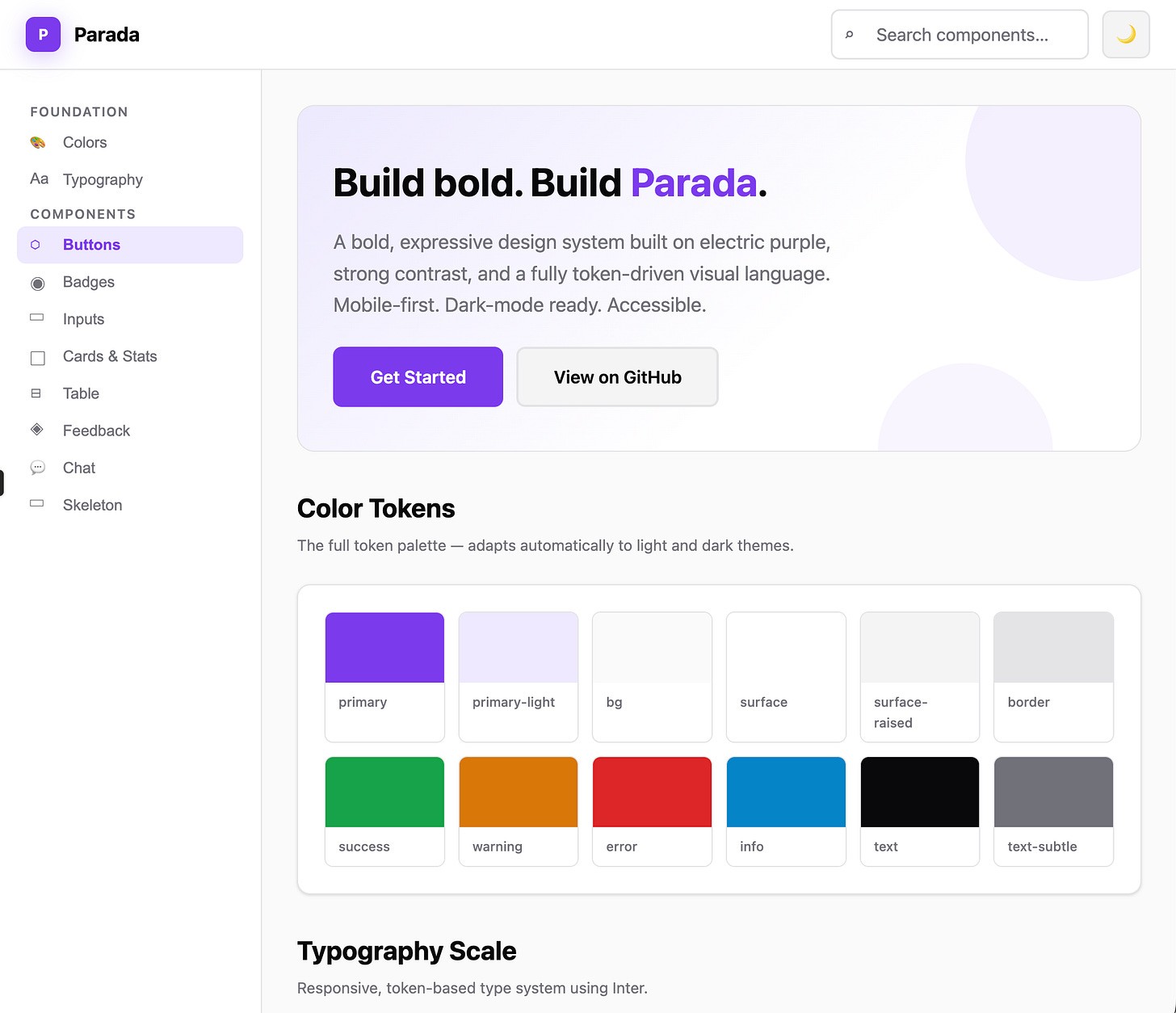
Design system preview website, built reusing Parada DS skill. Every component follows the BEM prefix convention, mobile-first layout, and WCAG 2.1 AA accessibility requirements with proper ARIA roles throughout.
A Claude Code skill is documentation that gets used every single time someone on your team opens their editor. It’s not passive. It generates on-brand code, flags violations, and remembers everything you’ve decided, so you don’t have to repeat yourself.
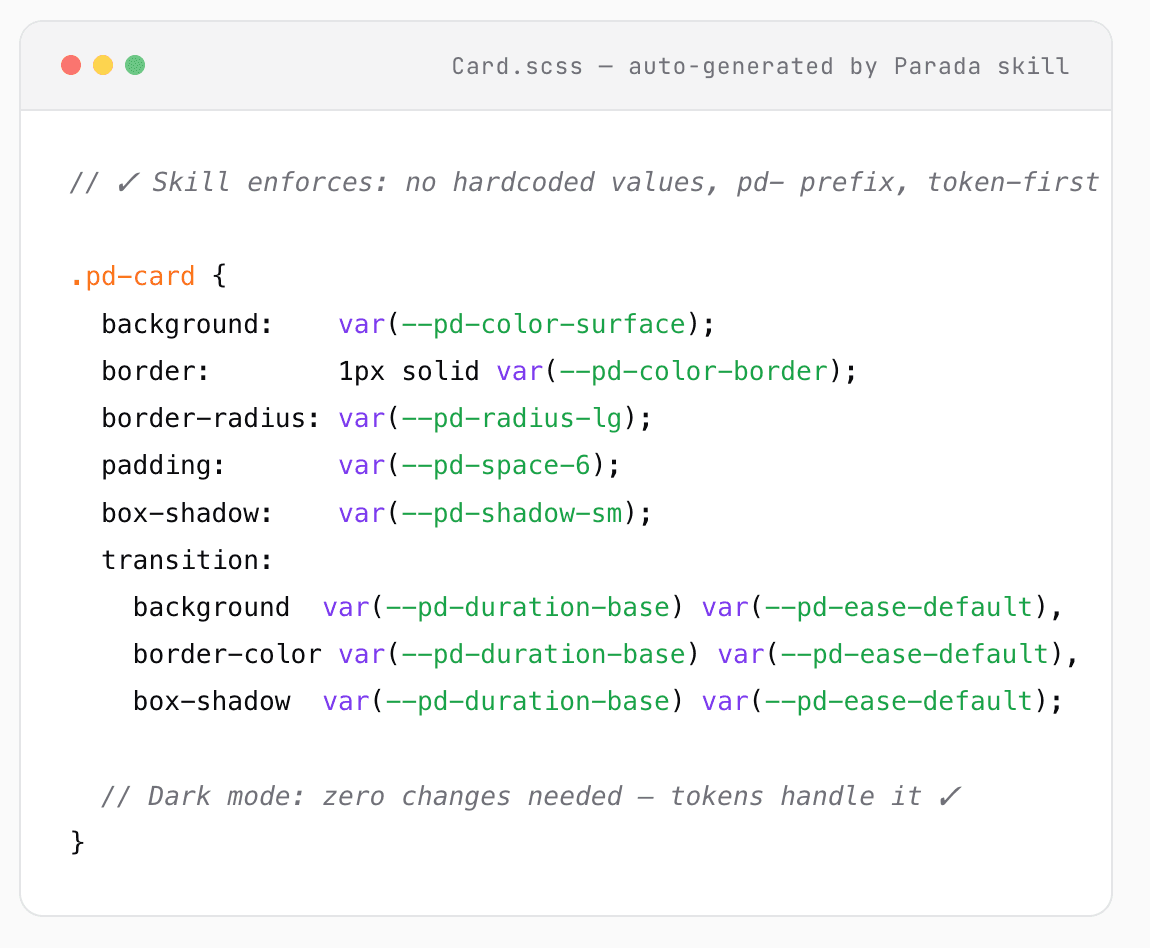
A Claude Code skill is documentation that doesn’t wait to be read. It’s in the editor. It’s already thinking about your tokens.
Three things it changed immediately
Hardcoded values get caught before review
No more padding: 16px sneaking into PRs. The skill flags token violations at while code is being generated, not code review is needed.
1. Decisions persist across the whole team
Every naming convention, every dark mode exception, every pattern we’ve agreed on lives in the skill: not in someone’s head or a Slack thread from three months ago.
Design-to-dev gap closes dramatically
Figma handoff stops being a translation exercise. The skill knows both the design intent and the implementation constraints and it bridges them automatically.
My goal now is to take this experiment, which started as a curiosity with Parada DS, and apply it to every design system I work with. The handoff workflow, specifically: where a designer annotates a component in Figma and a developer implements it in code, is exactly the kind of high-friction, high-forgetting moment where a persistent, knowledgeable “AI teammate” actually makes a difference.
3. Sharing the Skill & Keeping It Alive
I haven’t tested this directly yet. But if a developer asks Claude Code to implement a component using the skill, those questions may already be answered by the skill context. Although, distribution turned out to be the easier half of the question. The part I’m still thinking through is what happens when the design system evolves, which it does, constantly.
What I’m interested in exploring is whether updating the skill could become part of the PR checklist or at least something that’s reviewed and updated regularly,so the team can use it with confidence, knowing it reflects the latest standards. Just as we verify that a component has a Storybook story, we could also ensure that any new conventions are captured in the latest version skill. But I’ll leave it for my next article.
But I’ll leave it to my next article.
Thanks for reading!
Subscribe for free to receive new posts and support my work.
Original published at Substack